Cybersecurity for the Average User: 3 Simple Steps to Boost Your Digital Safety in 2026

In an increasingly interconnected world, the phrase digital safety 2026 is more than just a buzzword; it’s a critical aspect of our daily lives. As technology advances at an unprecedented pace, so too do the sophistication and frequency of cyber threats. From personal banking to social media, our digital footprints are expanding, making us more vulnerable than ever before. For the average user, navigating this complex landscape can feel overwhelming, like trying to understand an alien language. However, achieving robust digital safety doesn’t require a degree in computer science. It boils down to understanding and implementing a few fundamental principles. This comprehensive guide will break down the essential steps you can take to significantly enhance your digital safety in 2026, ensuring your online experience remains secure and private.
The goal here is not to instill fear, but to empower you with knowledge and actionable strategies. Think of it as building a digital fortress around your online life, brick by brick. By focusing on three core areas – strong authentication, smart online habits, and regular system maintenance – you can drastically reduce your risk of falling victim to cyberattacks. We’ll delve into each of these areas, providing practical advice and easy-to-follow instructions that anyone can implement, regardless of their technical proficiency. Let’s embark on this journey to a safer digital future together, making digital safety 2026 a reality for everyone.
Step 1: Fortify Your Digital Gates with Strong Authentication
The first and arguably most crucial step towards improving your digital safety 2026 is to establish robust authentication practices. Your passwords and access methods are the primary gates to your digital world. Weak or reused passwords are like leaving your front door unlocked in a bustling city – an open invitation for trouble. Cybercriminals often rely on brute-force attacks or credential stuffing, where they try leaked passwords from one service on others. Therefore, unique, complex passwords for every account are non-negotiable.
The Power of Unique, Complex Passwords
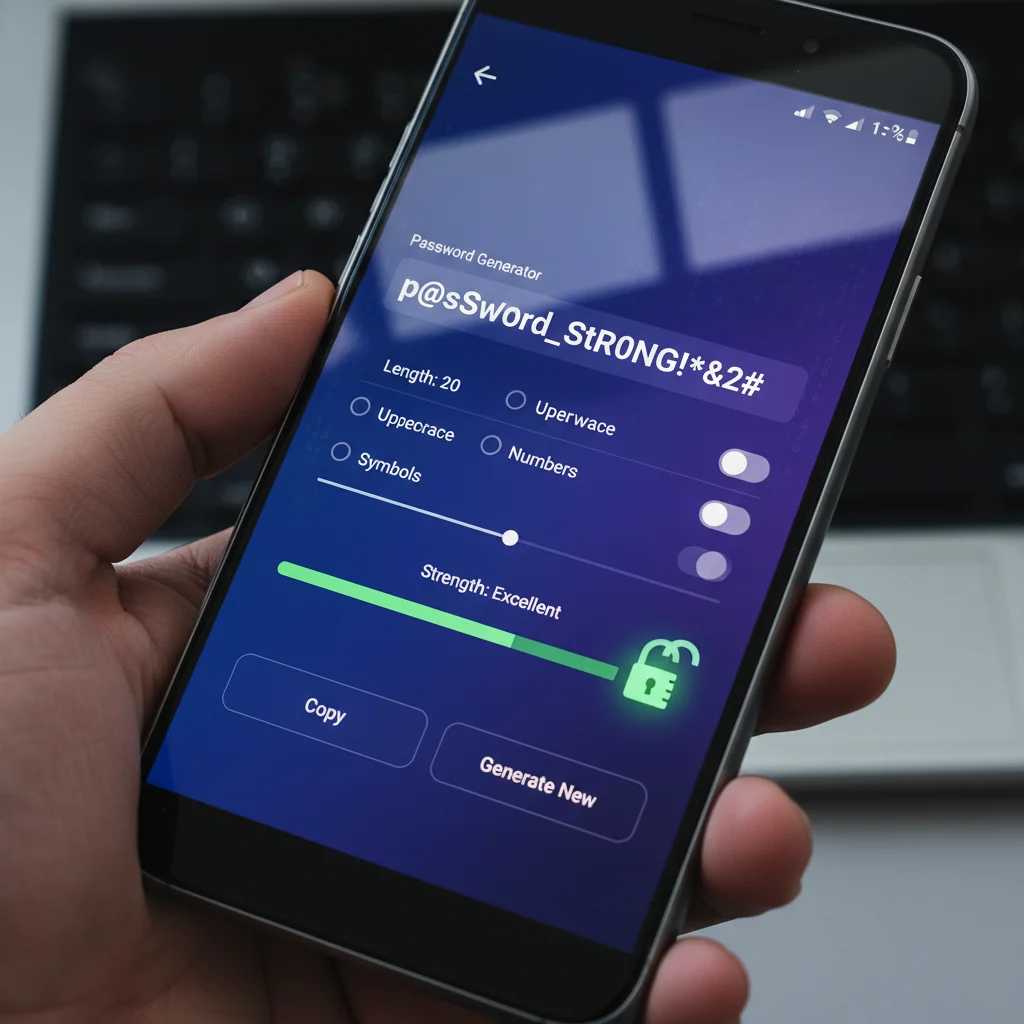
A strong password isn’t just long; it’s a mix of uppercase and lowercase letters, numbers, and symbols. Aim for at least 12-16 characters. While memorizing dozens of complex passwords seems impossible, this is where a reliable password manager becomes your best friend. Tools like LastPass, 1Password, Bitwarden, or Dashlane securely store all your passwords behind a single master password. They can also generate strong, unique passwords for you, eliminating the need for memorization.
- Generate Random Passwords: Let your password manager create long, random strings for each account.
- Never Reuse Passwords: Even a slight variation isn’t enough; each password should be entirely distinct.
- Update Regularly: While password managers reduce the urgency, it’s still good practice to update critical passwords periodically.
Embrace Multi-Factor Authentication (MFA)
Even the strongest password can be compromised. This is where Multi-Factor Authentication (MFA), sometimes called Two-Factor Authentication (2FA), acts as a critical second line of defense. MFA requires you to provide two or more verification factors to gain access to an account. This typically involves something you know (your password) and something you have (a code from your phone, a physical key) or something you are (a fingerprint, facial scan). Enabling MFA is one of the most impactful steps you can take to bolster your digital safety 2026.
- Authenticator Apps: Apps like Google Authenticator or Authy generate time-sensitive codes, offering a higher level of security than SMS-based codes (which can be vulnerable to SIM-swapping attacks).
- Physical Security Keys: Devices like YubiKey provide the strongest form of MFA, requiring physical possession to log in.
- Biometrics: Fingerprint or facial recognition on your devices adds a convenient layer of security.
Make it a goal to enable MFA on every service that offers it, especially for email, banking, social media, and cloud storage. This simple step can thwart the vast majority of account takeover attempts, making your digital safety 2026 significantly more robust.
Step 2: Cultivate Smart Online Habits
Beyond technical safeguards, your daily online behavior plays a pivotal role in your digital safety 2026. Cybercriminals often exploit human psychology through social engineering tactics, rather than relying solely on complex technical exploits. Developing a healthy skepticism and practicing mindful online interactions can protect you from a wide array of threats, including phishing, malware, and identity theft.
Be Wary of Phishing and Scams
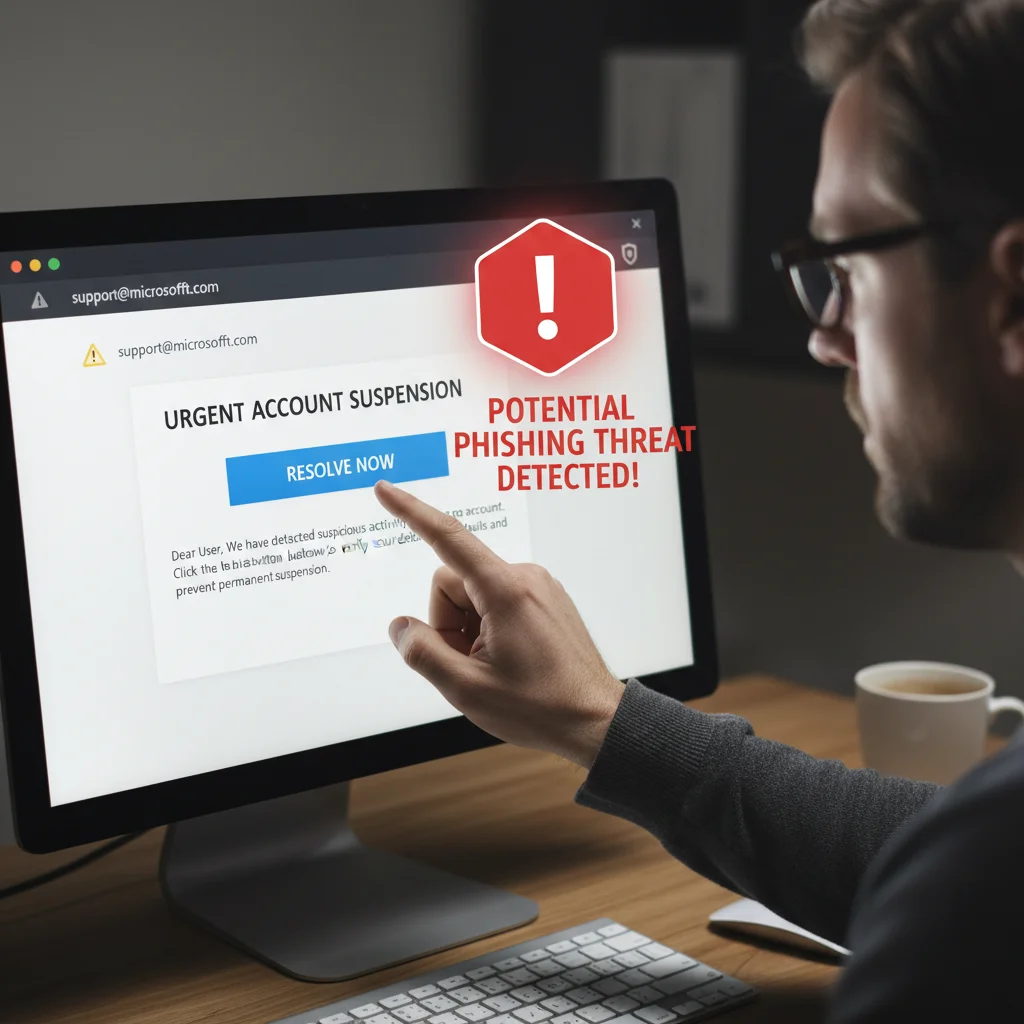
Phishing remains one of the most prevalent and effective cyberattack methods. These scams often come in the form of emails, text messages, or even phone calls, impersonating legitimate organizations (banks, government agencies, popular services) to trick you into revealing sensitive information or clicking malicious links. The key to combating phishing is awareness and scrutiny.
- Check Sender Details: Always examine the sender’s email address carefully. Does it exactly match the official domain?
- Look for Red Flags: Poor grammar, unusual urgency, generic greetings, and requests for personal information are common indicators of a scam.
- Hover Before Clicking: Before clicking any link, hover your mouse over it to see the actual URL. If it looks suspicious or doesn’t match the expected website, don’t click.
- Verify Information Independently: If you receive a suspicious request from a company, contact them directly using their official contact information (not the one provided in the suspicious message).
Practice Safe Browsing and Downloading
Your web browser is your window to the internet, and how you use it can significantly impact your digital safety 2026. Malicious websites can host malware, exploit browser vulnerabilities, or try to trick you into downloading unwanted software. Similarly, downloading files from untrusted sources is a common way to introduce viruses and other malicious software to your devices.
- Only Visit Secure Websites (HTTPS): Always look for ‘https://’ at the beginning of a website’s URL and a padlock icon in the address bar. This indicates an encrypted connection.
- Be Cautious with Downloads: Only download software, apps, and files from official, reputable sources (e.g., official app stores, software vendor websites).
- Read Permissions Carefully: When installing new apps or software, pay attention to the permissions they request. Does a flashlight app really need access to your contacts or microphone?
- Avoid Public Wi-Fi for Sensitive Transactions: Public Wi-Fi networks are often unsecured and can be easily intercepted by attackers. Reserve sensitive activities like online banking or shopping for your secure home network or use a Virtual Private Network (VPN).
Manage Your Digital Footprint and Privacy Settings
Every online interaction leaves a digital footprint, and managing it is crucial for your privacy and digital safety 2026. Over-sharing personal information can make you a target for identity theft or social engineering attacks. Take time to review and adjust your privacy settings on social media platforms, search engines, and other online services.
- Limit Public Information: Be mindful of what personal details you share publicly online. Even seemingly innocuous information can be pieced together by attackers.
- Review Social Media Privacy Settings: Regularly check your privacy settings on platforms like Facebook, Instagram, and X (formerly Twitter) to control who sees your posts and personal information.
- Be Cautious with Third-Party App Permissions: Many websites and apps ask for access to your social media profiles or other accounts. Grant permissions judiciously.
- Use Privacy-Enhancing Browser Extensions: Consider extensions that block trackers and advertisements, giving you more control over your data.
Step 3: Maintain Your Digital Environment Regularly
Just as you maintain your home or car, your digital devices and software require regular upkeep to ensure optimal performance and security. Neglecting updates or ignoring security warnings can leave gaping holes in your digital safety 2026 defenses, making you vulnerable to known exploits that cybercriminals actively target.
Keep All Software and Operating Systems Updated
Software updates aren’t just about new features; they often include critical security patches that fix vulnerabilities discovered by security researchers. When a vulnerability is found, it’s often publicly disclosed, giving cybercriminals a roadmap to exploit unpatched systems. Therefore, applying updates promptly is paramount.
- Enable Automatic Updates: For operating systems (Windows, macOS, iOS, Android) and major applications, enable automatic updates whenever possible.
- Regularly Check for Updates: For software that doesn’t update automatically, make it a habit to check for and install updates regularly.
- Update All Devices: Don’t forget about your smart devices, routers, and other IoT gadgets. These are often overlooked but can be entry points for attackers.
Utilize and Maintain Antivirus/Anti-Malware Software
A good antivirus or anti-malware solution acts as your digital immune system, scanning for, detecting, and removing malicious software. While modern operating systems have built-in defenses, a dedicated solution often provides more comprehensive protection, contributing significantly to your digital safety 2026.
- Install Reputable Software: Choose well-known and highly-rated antivirus programs (e.g., Bitdefender, Norton, ESET, Kaspersky).
- Keep Definitions Updated: Ensure your antivirus automatically updates its virus definitions so it can recognize the latest threats.
- Run Regular Scans: Schedule full system scans periodically to catch anything that might have slipped through initial defenses.
Regular Data Backup
While backups don’t prevent cyberattacks, they are your last line of defense against data loss due to ransomware, hardware failure, or accidental deletion. Losing precious photos, important documents, or critical work files can be devastating. Implementing a consistent backup strategy is essential for comprehensive digital safety 2026.
- The 3-2-1 Rule: Keep at least three copies of your data, store them on two different types of media, and keep one copy offsite (e.g., cloud storage or a separate physical location).
- Automate Backups: Use cloud services (Google Drive, Dropbox, OneDrive) or external hard drives with backup software to automate the process.
- Test Your Backups: Periodically verify that your backups are working and that you can restore files from them.
Beyond the Basics: Advanced Tips for Enhanced Digital Safety 2026
Once you’ve mastered the three core steps, you might consider taking your digital safety 2026 to the next level. These advanced tips offer additional layers of protection for those who want to be extra vigilant.
Utilize a VPN (Virtual Private Network)
A VPN encrypts your internet connection and masks your IP address, making your online activities more private and secure. This is especially useful when using public Wi-Fi networks, as it prevents others on the same network from snooping on your data. Choose a reputable VPN provider with a strong no-logs policy.
Regularly Monitor Your Accounts and Credit
Even with the best precautions, breaches can happen. Regularly checking your bank statements, credit card activity, and credit reports can help you spot suspicious activity early. Many banks offer alerts for unusual transactions, and credit monitoring services can notify you of new accounts opened in your name.
Educate Yourself Continuously
The cyber threat landscape is constantly evolving. Staying informed about the latest scams, vulnerabilities, and best practices is a continuous process. Follow reputable cybersecurity news sources, blogs, and experts. Knowledge is one of your most powerful tools in maintaining excellent digital safety 2026.
Conclusion: Your Proactive Approach to Digital Safety 2026
Achieving robust digital safety 2026 is not a one-time task but an ongoing commitment. By consistently implementing these three simple yet powerful steps – fortifying your digital gates with strong authentication, cultivating smart online habits, and maintaining your digital environment regularly – you can significantly reduce your risk and enjoy a more secure and private online experience. Remember, every small step you take contributes to a stronger overall defense. Don’t wait for a cyber incident to happen; be proactive in protecting your digital life. Your peace of mind and the integrity of your personal data are worth the effort.
The digital world offers incredible opportunities for connection, learning, and entertainment. By adopting these essential cybersecurity practices, you can navigate this world with confidence, knowing that you’ve built a strong foundation for your digital safety 2026 and beyond. Stay vigilant, stay informed, and stay secure!